Settings#
The /settings page groups a few preferences in three tabs. These settings
are shared by everyone using the instance: a change made here applies to all
users, not just to you.
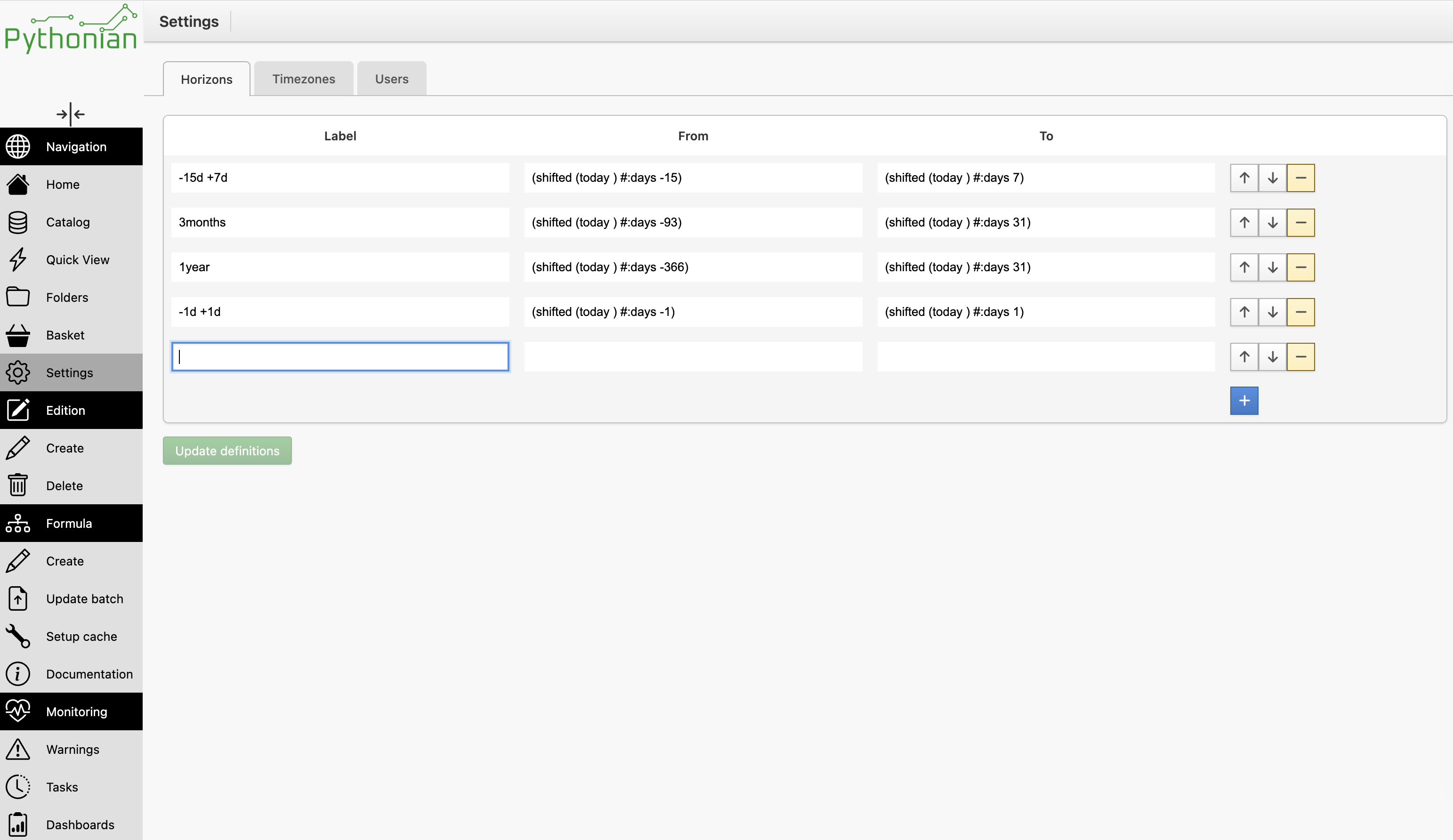
Horizons#
A horizon is a named time window — a label with a from and a to date expression. Horizons defined here populate the time-window selector used across the interface (the quick view and the series editor), so a reader can switch to a familiar range in one click instead of typing dates.
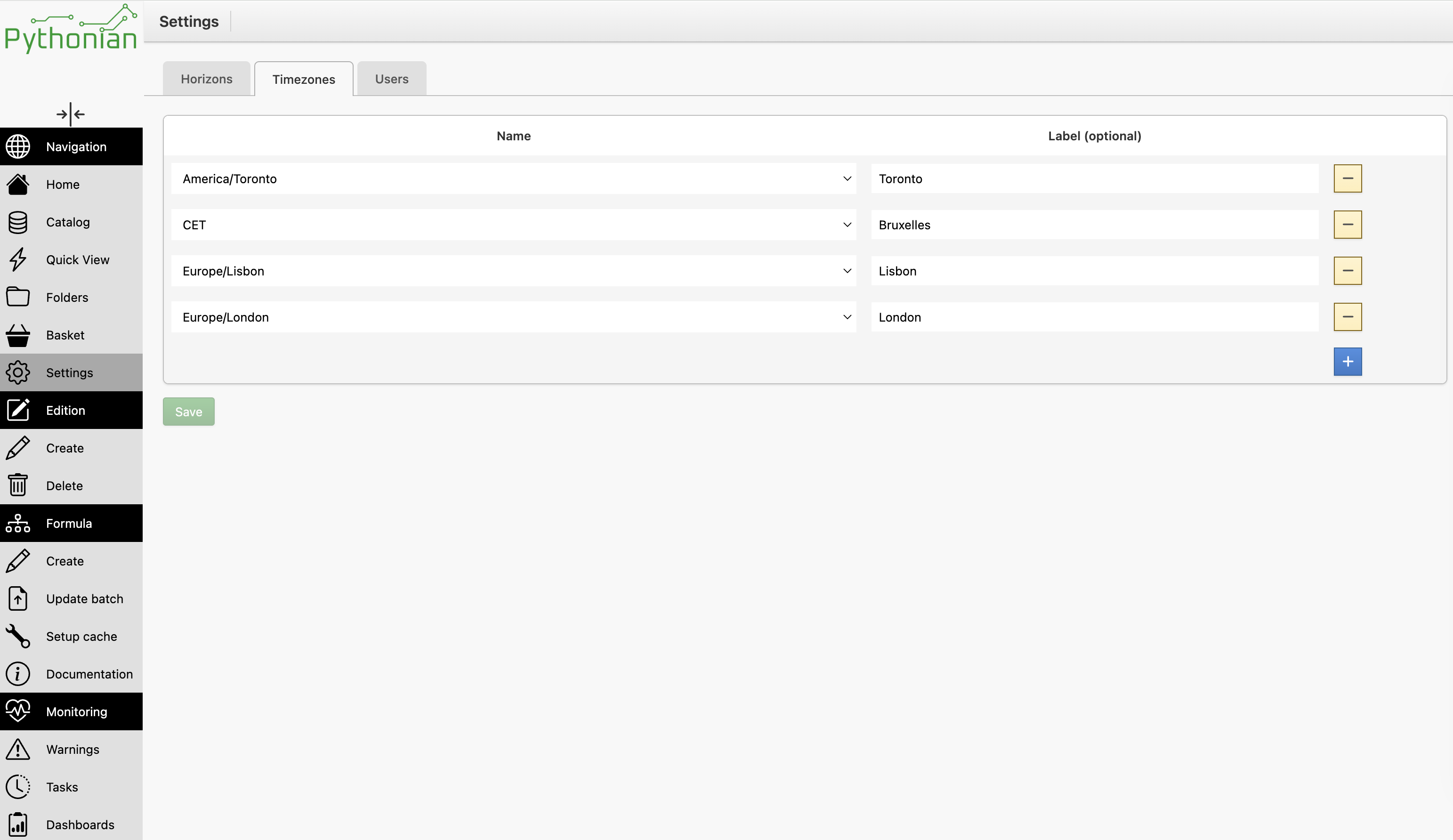
Timezones#
The timezone dropdowns throughout the interface do not list the whole timezone database; they show a curated shortlist maintained here. Each entry is a timezone name plus an optional friendly label. Add the timezones your team works with and they appear in every timezone dropdown of the interface — notably in the formula constructor and in the horizon widget.
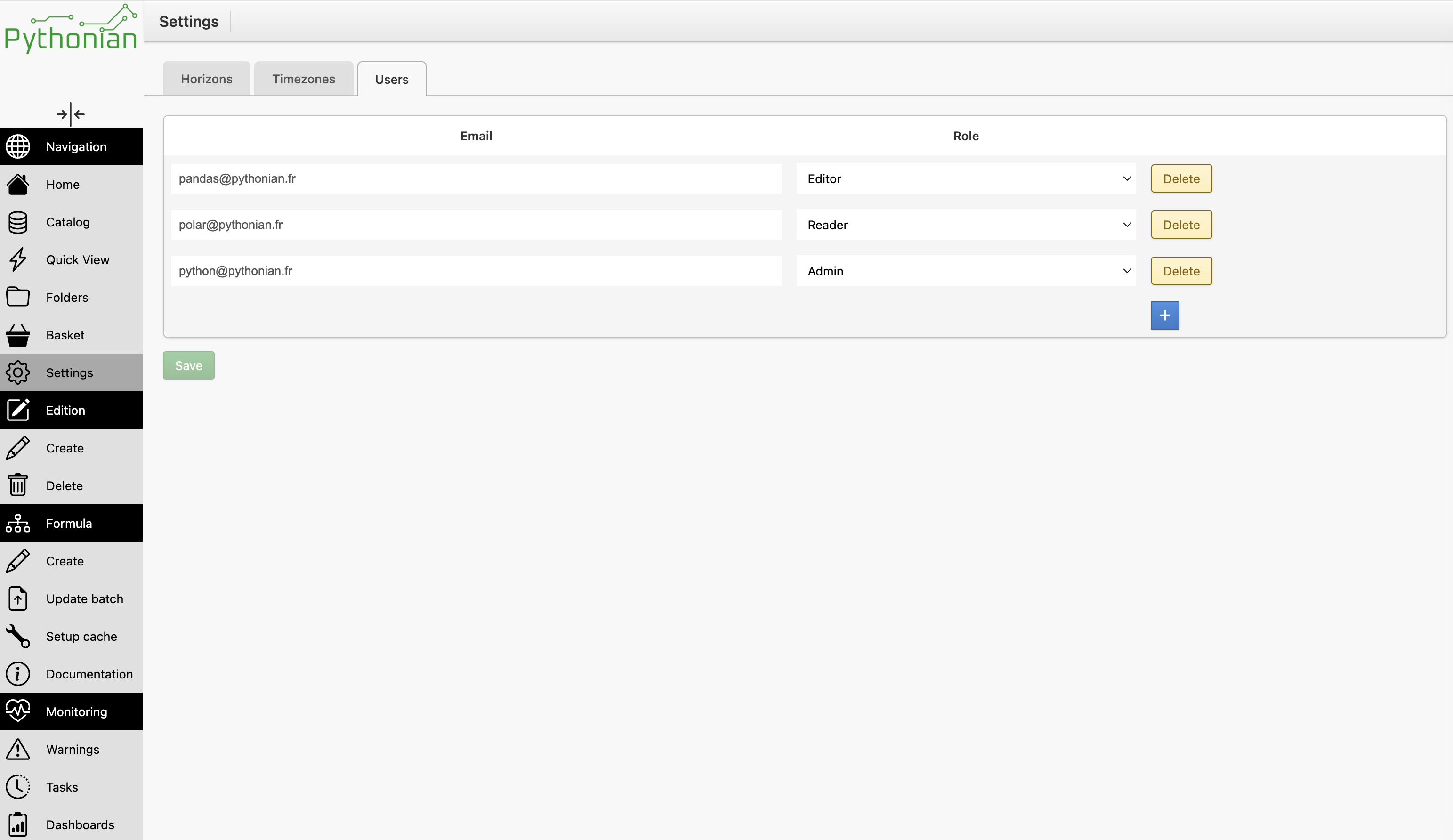
Users#
In the pro version, the Users tab lists the instance’s users and lets an administrator set each one’s role — Reader, Editor or Admin — which controls who can read versus edit. See Securing the Refinery for what each role grants.